Change HTTP/S Authentication Password for NBIF Directory
This option enables you to change the password for logging to the OVOC client from a NBIF client over an HTTP/S connection. The default user name is “nbif” and default password is “pass_1234”.
| ➢ | To change the HTTP/S authentication password: |
| 1. | From the HTTP Security Settings menu, choose Change HTTP/S Authentication Password for NBIF Directory ,and then press Enter. |
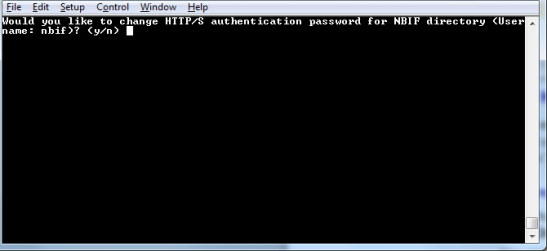
You are prompted to change the HTTP/S authentication password. Enter y to change the password.
Change HTTP/S Authentication Password for NBIF Directory
| 2. | Enter the new password. |
| 3. | Reenter the new password. |
A confirmation message is displayed and the Apache server is restarted.